The Map
Start by going to the sprite editor and drawing nine sprites:
- grass, fancy grass, and rock
- water, fancy water, and water rock
- road, fancy road, and wall
Here's an example of what they might look like:
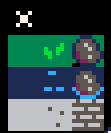
Toggle sprite flag 0 on the rock, the three water tiles, and the wall sprite.
Draw a Map
Now that you have some sprites created, lets use them to draw a map for our game.
Head on over to the map tool (third icon from the left in the top bar).

Once you fill the first screen, add another. To do so, you'll need to pan the map by holding space and dragging with the mouse.
Here's what you might want to put on the second screen.
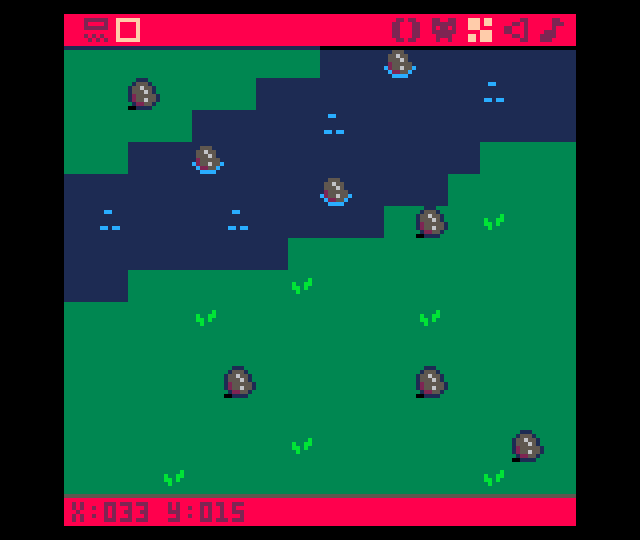
Here's what the map looks like zoomed out with both screens populated.

Game Loop
Create the main game loop. Put this in the 0 tab of the editor.

Map Code
Create the code that draws the map. Click the + button to create tab 1 and put this code in that tab.