12. Change states
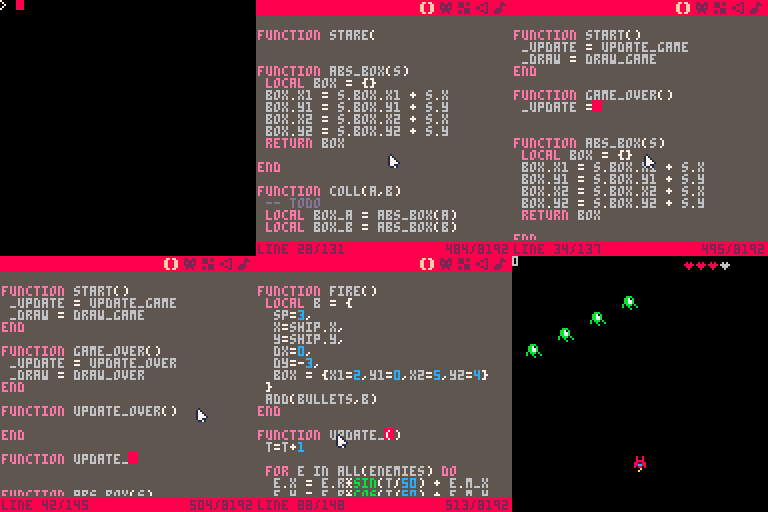
There's no way for the player to lose the game. In this step, we are going to introduce the concept of game states. We will have two.
The first we will call the game state. It means we should run the game loop
which controls the enemies, allows the player to move, etc.
The second we will call the game over state. In this state, we don't want to
show the enemies or the player. You shouldn't be able to control the ship. We
just want to display a message letting the user know they lost.
There are many different ways to represent these different states and to control what happens in each of them. In this tutorial, we are going to use a fairly advanced, but extremely elegant technique.
PICO-8 uses the Lua programming language. Functions in Lua can be redefined at
runtime. This makes it possible to change (whle the game is running!) the
_update and _draw functions PICO-8 calls during each frame.
The way we do this is by simply assigning the name of another function to the _update and _draw identifiers.
For example:
The current _update and _draw functions represent what should happen when we are in our game state. These will be renamed and we will add new functions to call when we are in our game over state.
start is the function that will replace assign the game state functions.
Add a call to it at the end of _init.
Add these functions right after _init.
Rename the existing _draw function to draw_game.
Hit ctrl-r to run the game. The game should run just as it did before as we
haven't added any code to change the game state. That's coming next.