01. Draw ship on screen
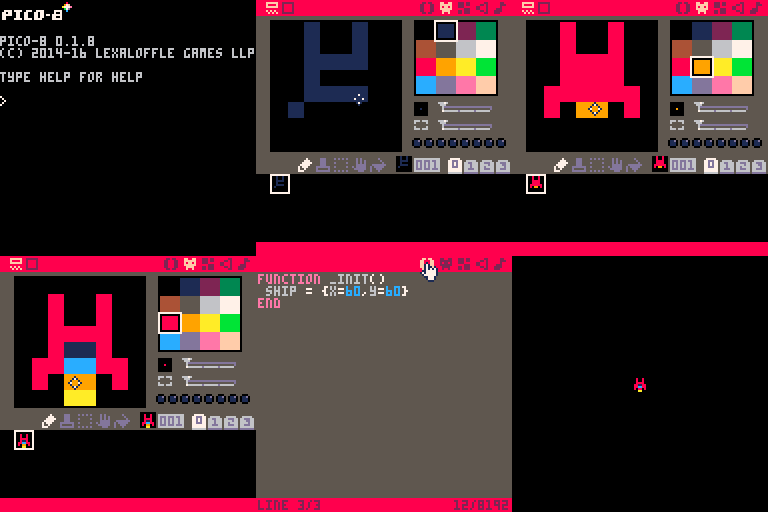
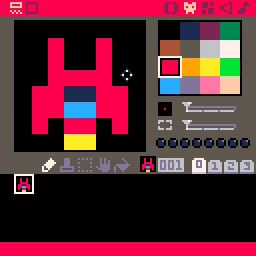
Let's start by creating a ship sprite in the sprite editor.
Go to the code editor and enter this code in tab 0.
Now let's draw the ship on the screen!
function _init()
ship={x=60,y=60}
end
function _draw()
cls()
spr(1,ship.x,ship.y)
end
The _init function creates a table to hold properies for the ship. We will
start with its x and y coordinates. This is how we will know where to draw
the ship on the screen.
The _draw function displays sprite 1 on the screen at the x and y
coordinates in the ship table. Note: if your ship is not in the sprite
sheet at location 001 (as shown in the screenshot above), you will need to
change the first parameter to spr to match.