Animate Tiles
In this step we add animated tiles. Animated tiles bring the map to life. Here we'll use them to make a spike trap that the player has to navigate through.
Create a pair of sprites, one for the spikes up and one with the spikes down. The animation will have cause the two sprites to flip between each other.
The tile with spikes up should have two flags set: flag 3 (anim1, or step one of the animation) and flag 6 (lose), which will cause the player to lose if they step on them.
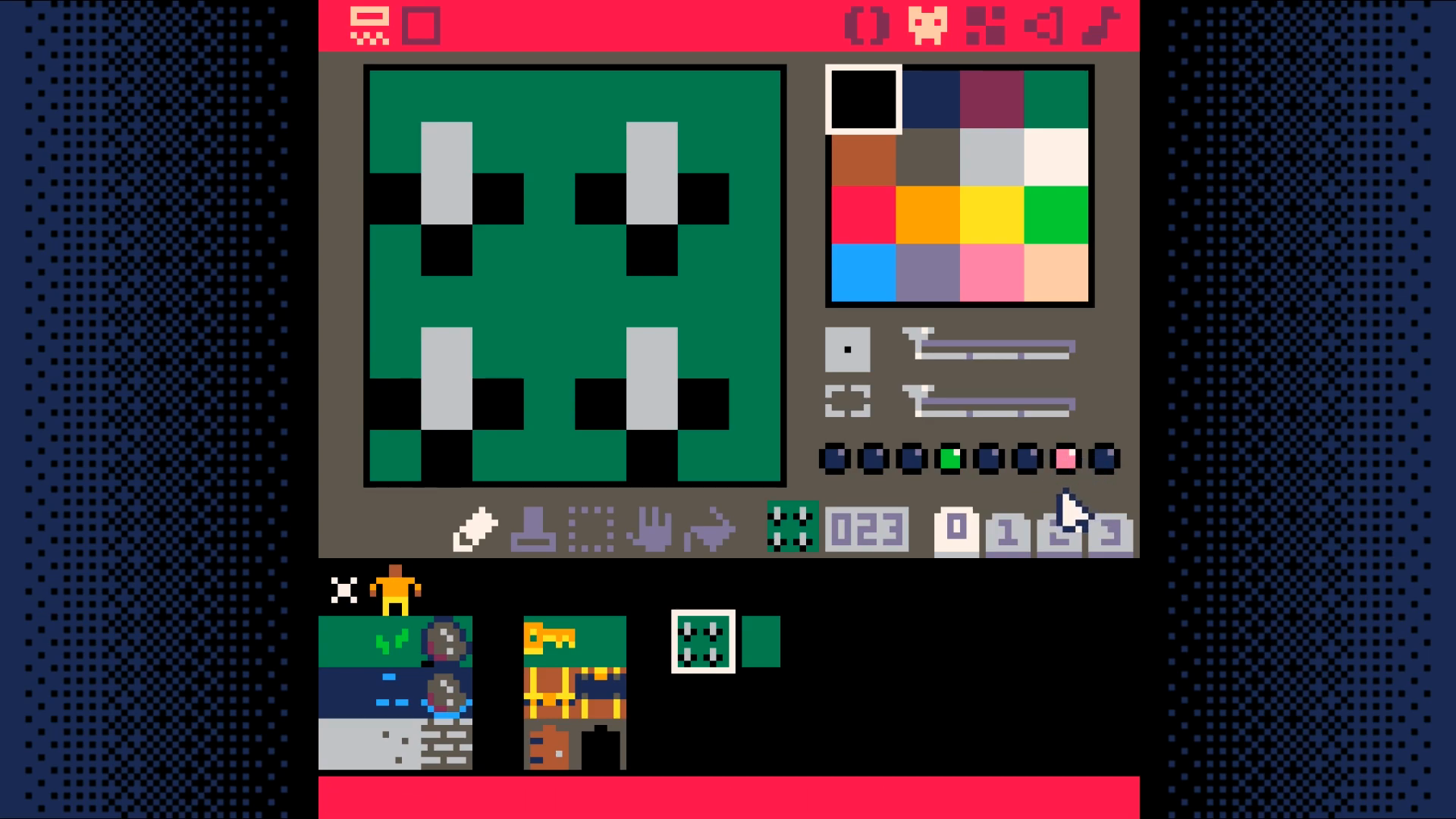
The tile with spikes down should have one flag set: flag 4, (anim2, step 2 of the animation).
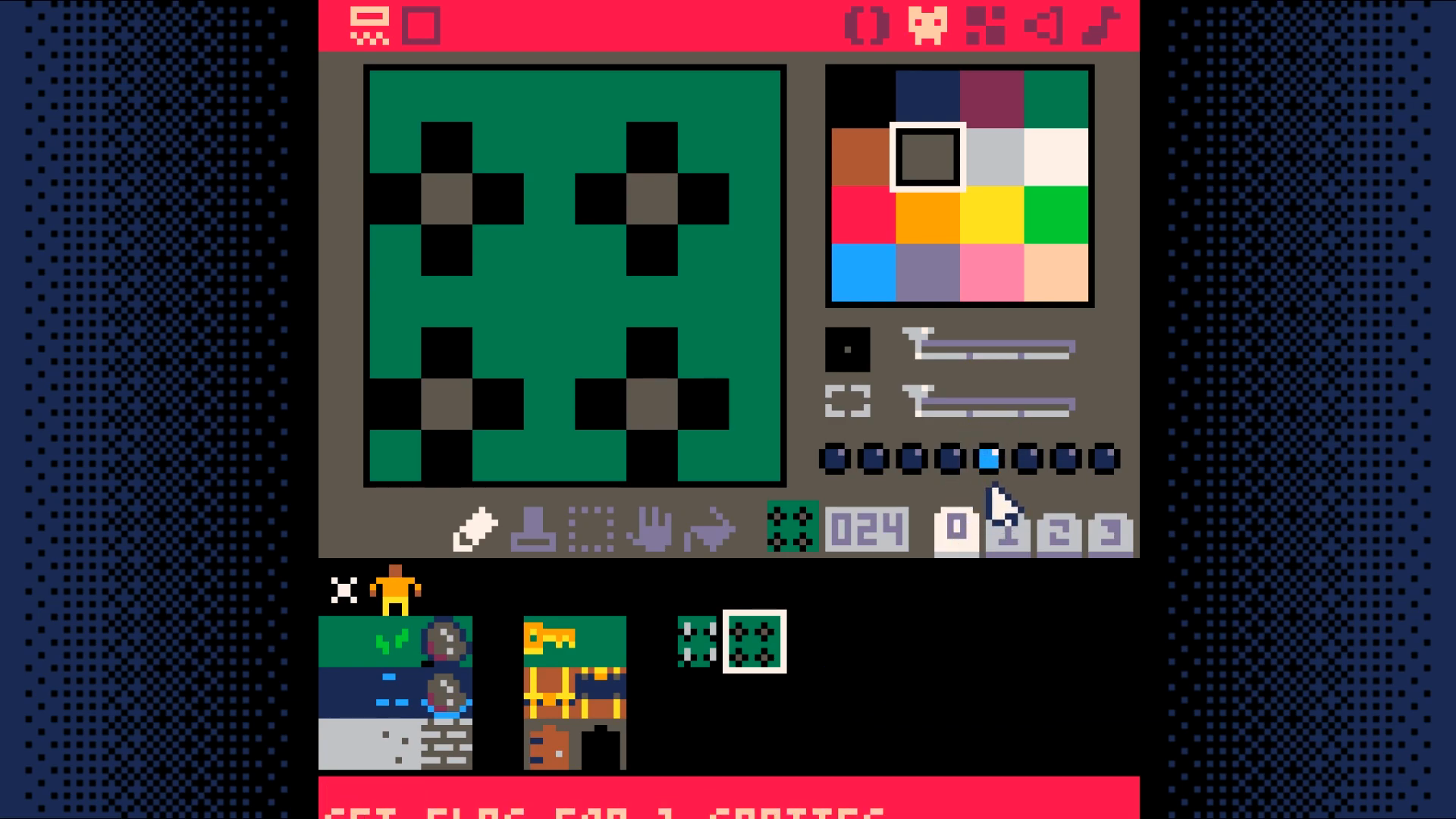
Add two variables to the map_setup function in the map code tab (tab 1).
Add a new function unswap_tile to the map code tab (tab 0). Note that this function is nearly the same as swap_tile and so you can use copy and paste to create it (select the lines, ctrl-c to copy, and ctrl-v to paste)..
Add a new tab called animation code (tab 4). Add a function named toggle_tiles to this tab.
Add a new function called update_map to the map code tab (tab 1).
Finally, call the update_map function from the _update function in the game loop (tab 0).
End Result
Save your changes with ctrl+S. Run them with ctrl+R. Your animated tiles should change about once every second, but there still isn't a way to win the game. Lets add that next.
Download