Bonus Step: Adding Text
This step will be a bit more involved than the previous steps. If you have made it to this step, you will definitely be able to complete it. Just take it slow and don't rush.
Create a sign sprite.
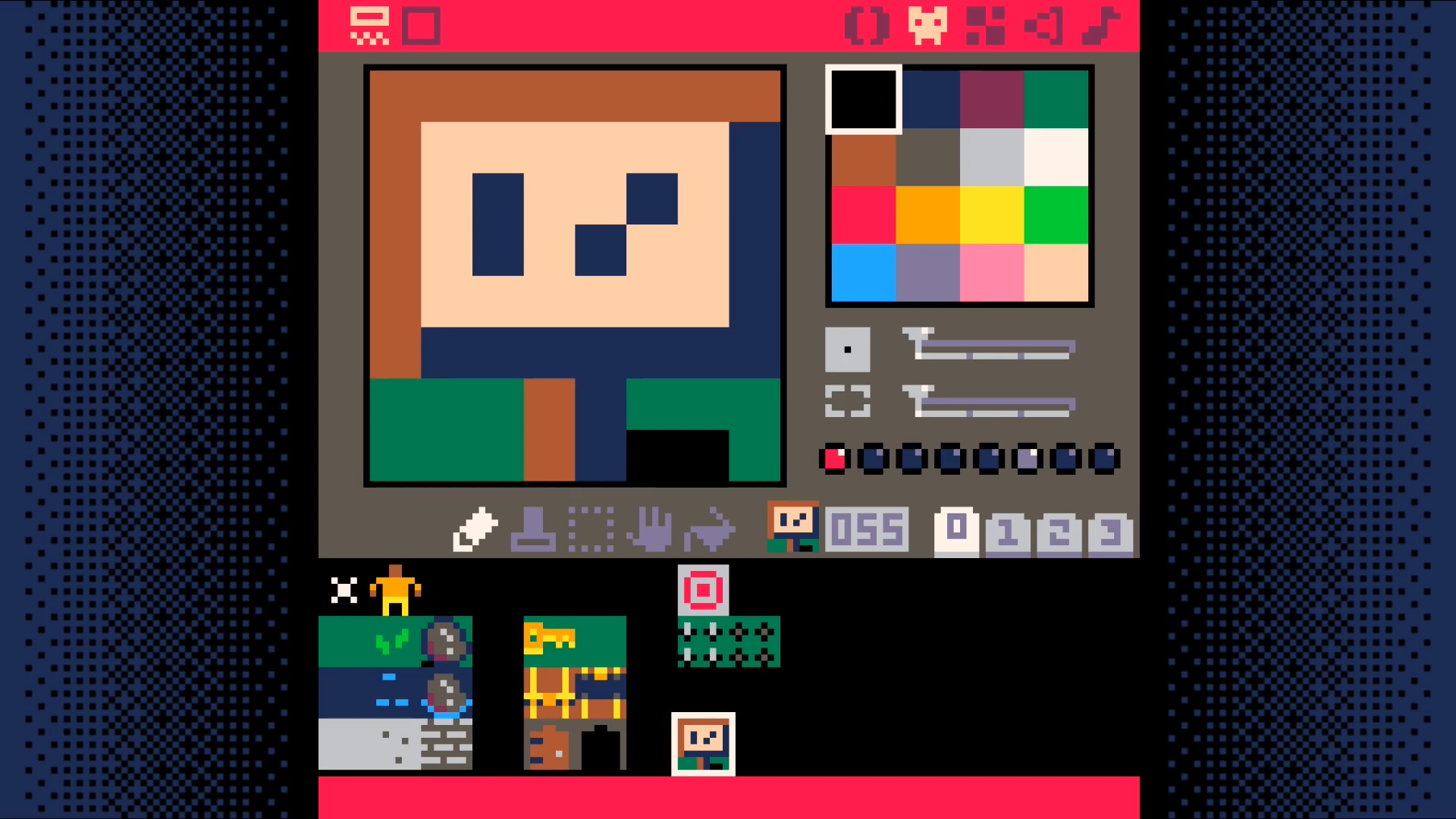
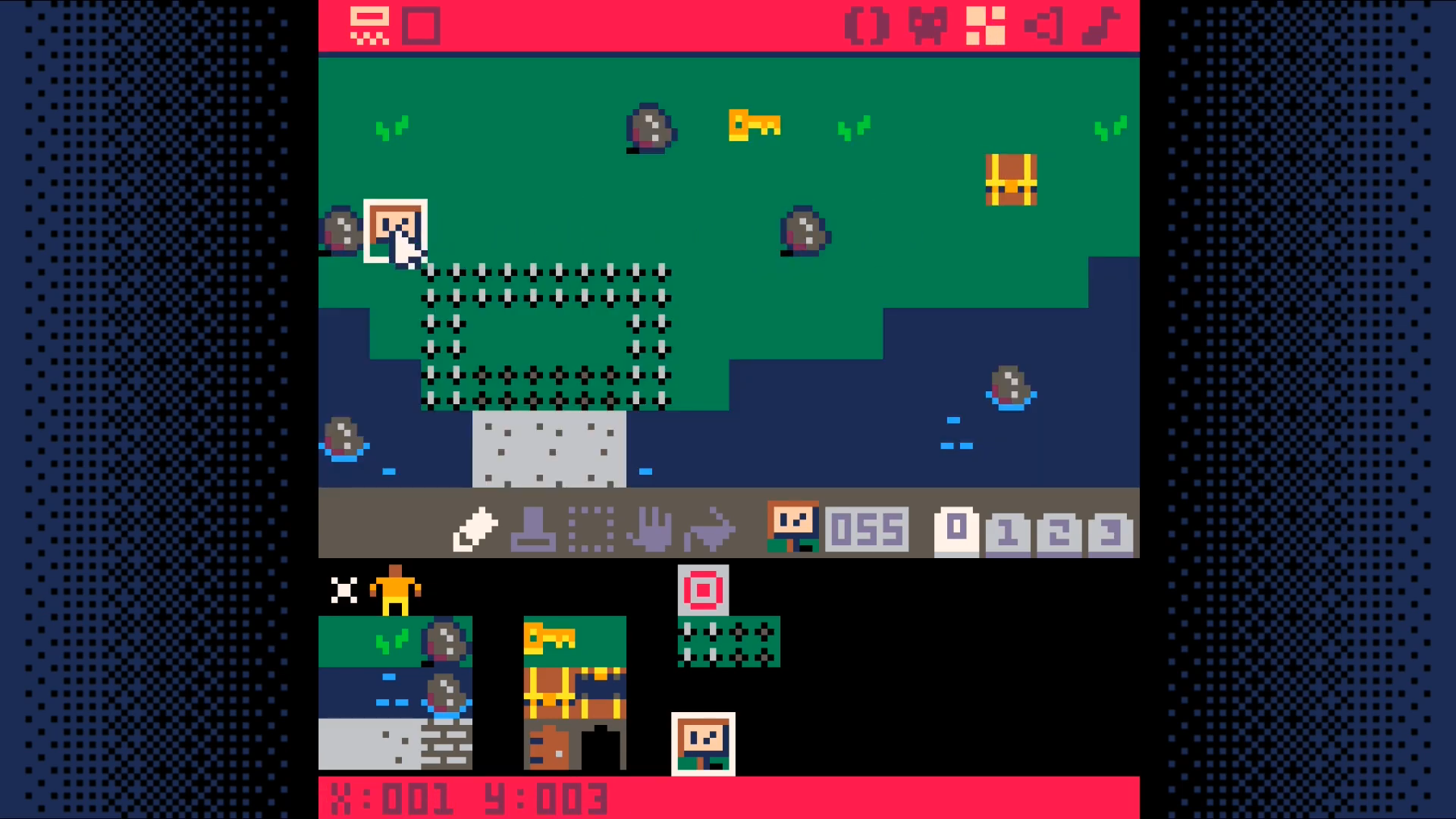
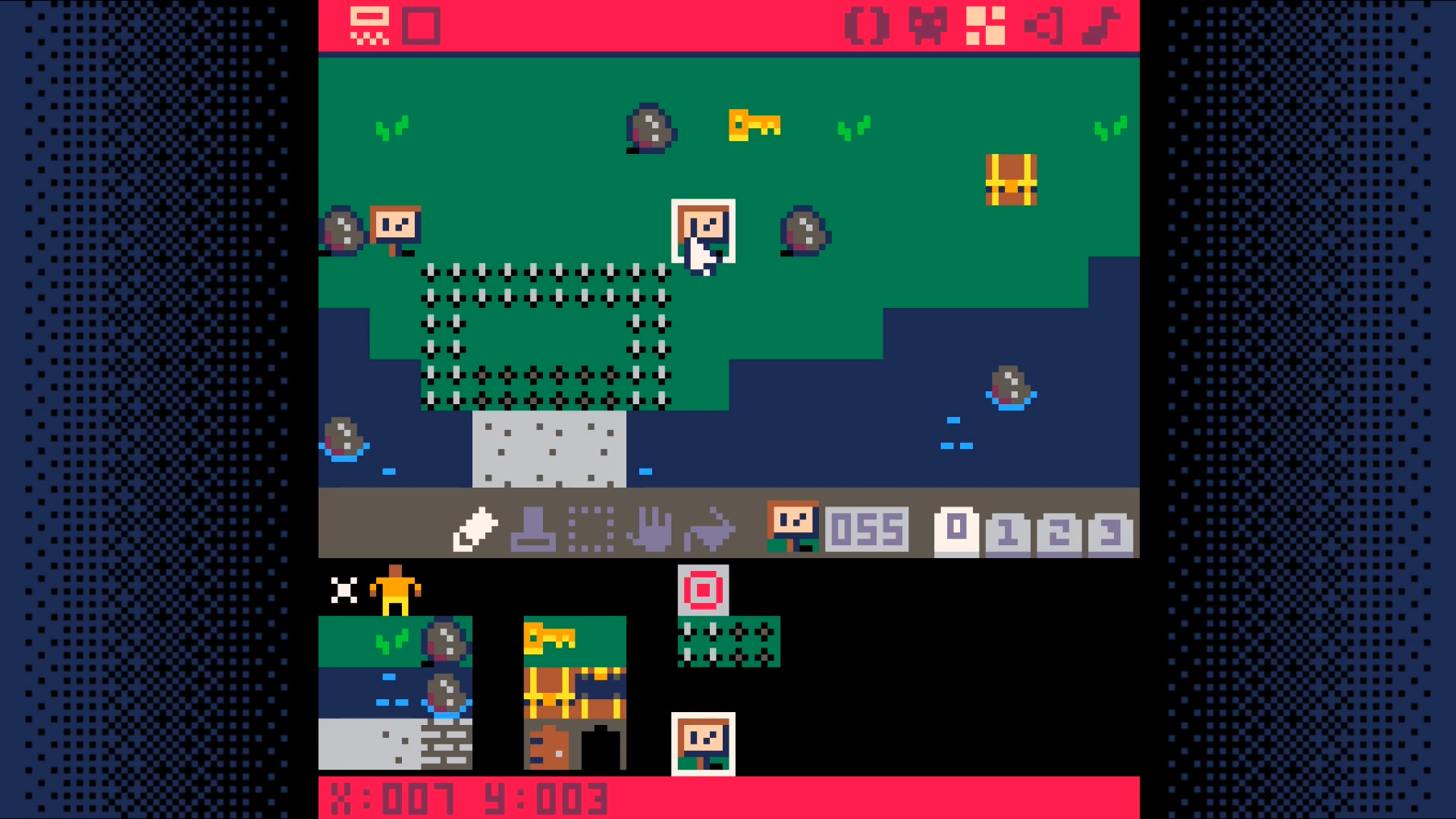
Place two of them. If you don't place them at x=1,y=3 and x=7,y=3 you will need to update the code to reflect where the signs are placed in your world.
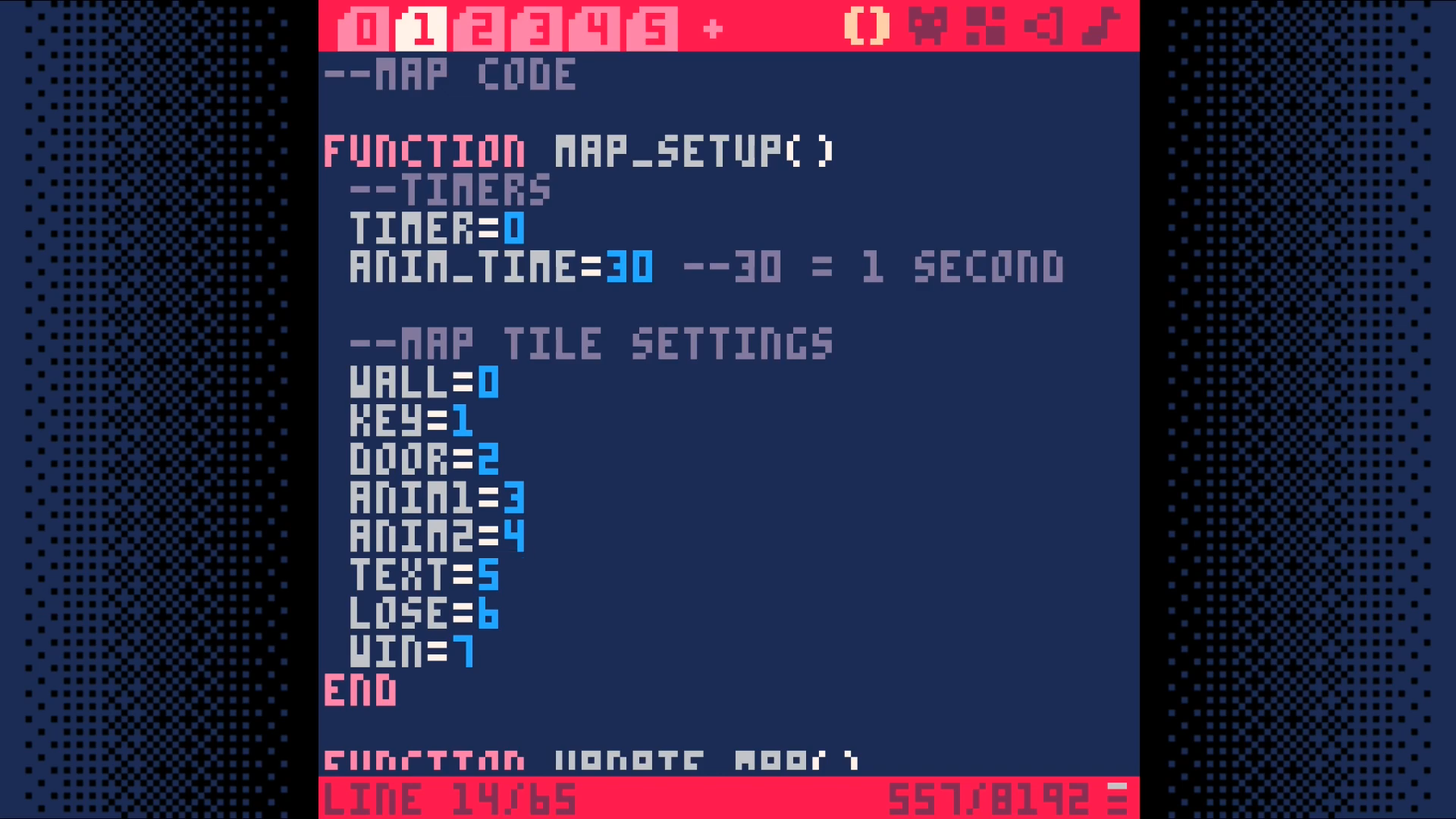
Add text=5 to the tile settings in map_setup. We are going to use this
to trigger the display of text to the user.
Now, let's add some code to make use of this tile type.
In tab 0, add a call to text_setup
Modify the _update call to only update the game state if there is no active text displayed.
In _draw, call draw_text after drawing the map and the player.
In the player interaction code, tab 2, add a check for the text tile type.
Add a new tab. This will be tab 6. We will put the text related code here.
Save your game and run it. With any luck, you should be able to walk up to and read each sign.
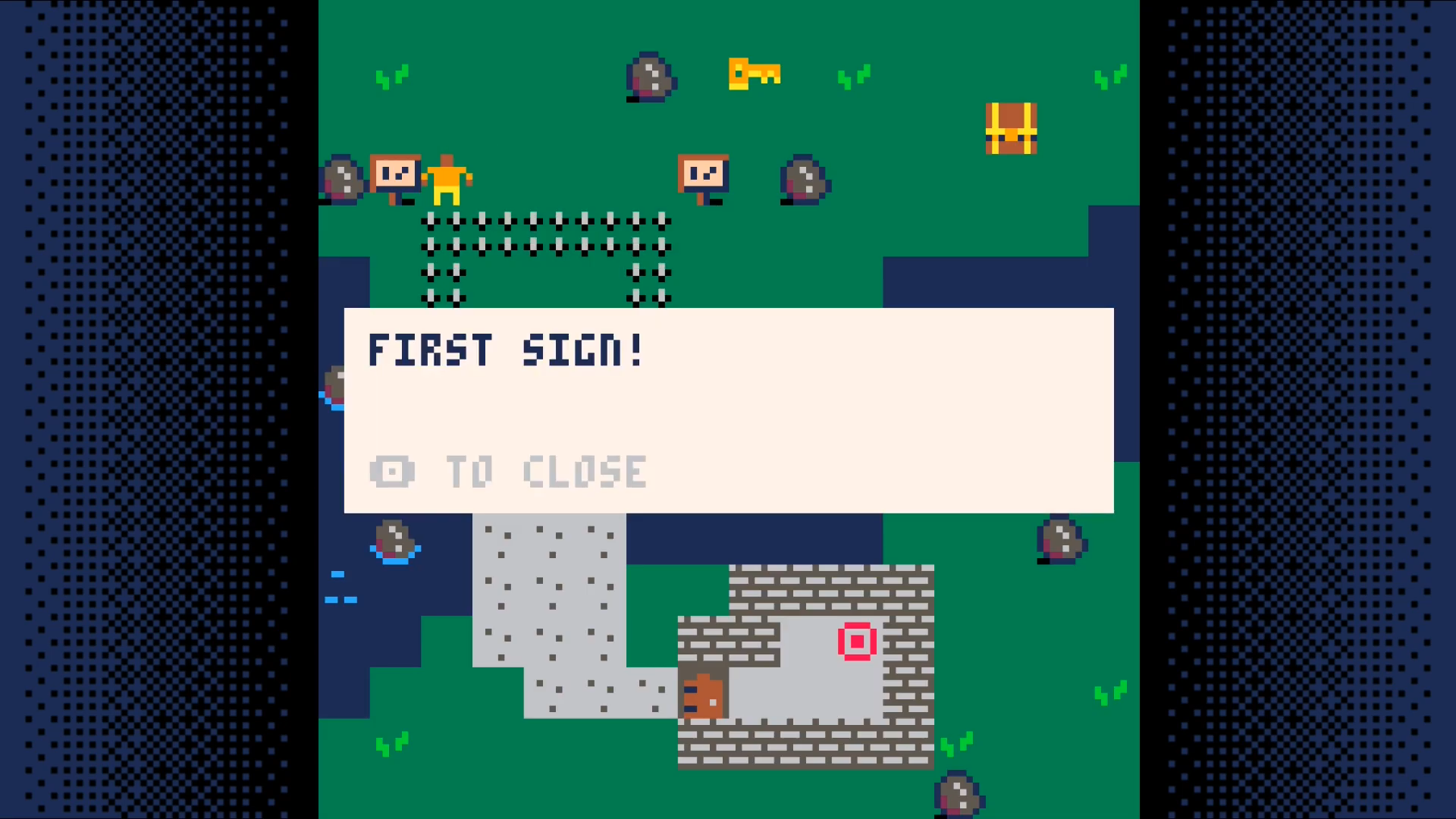
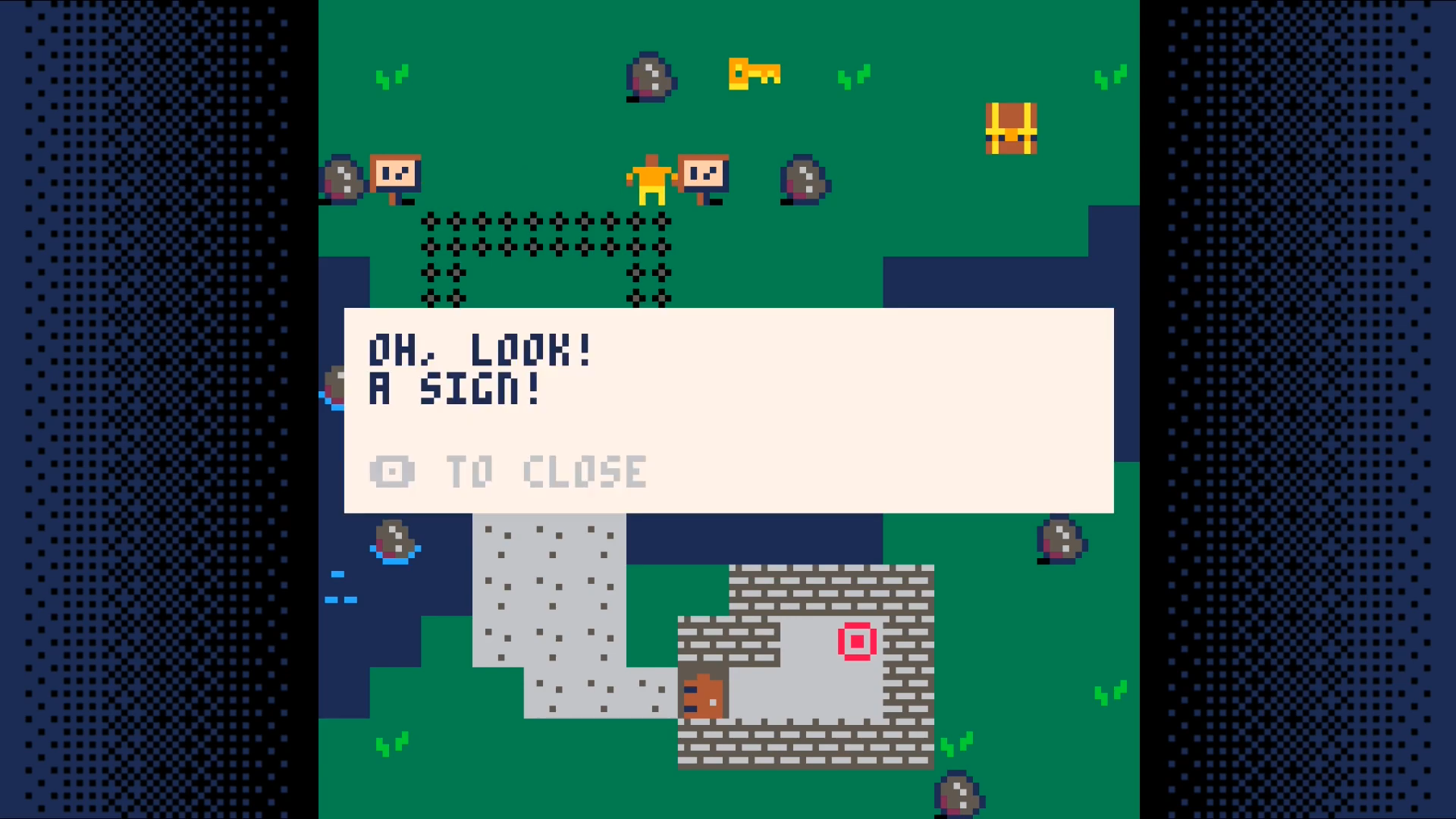
This opens up a world of possibilities. It allows to add Non-Player Characters (NPCs) that can speak with your character. Signs can provide instructions or warnings. You are able to tell your character's back story through dialog or notes or other narrative devices.