Movement
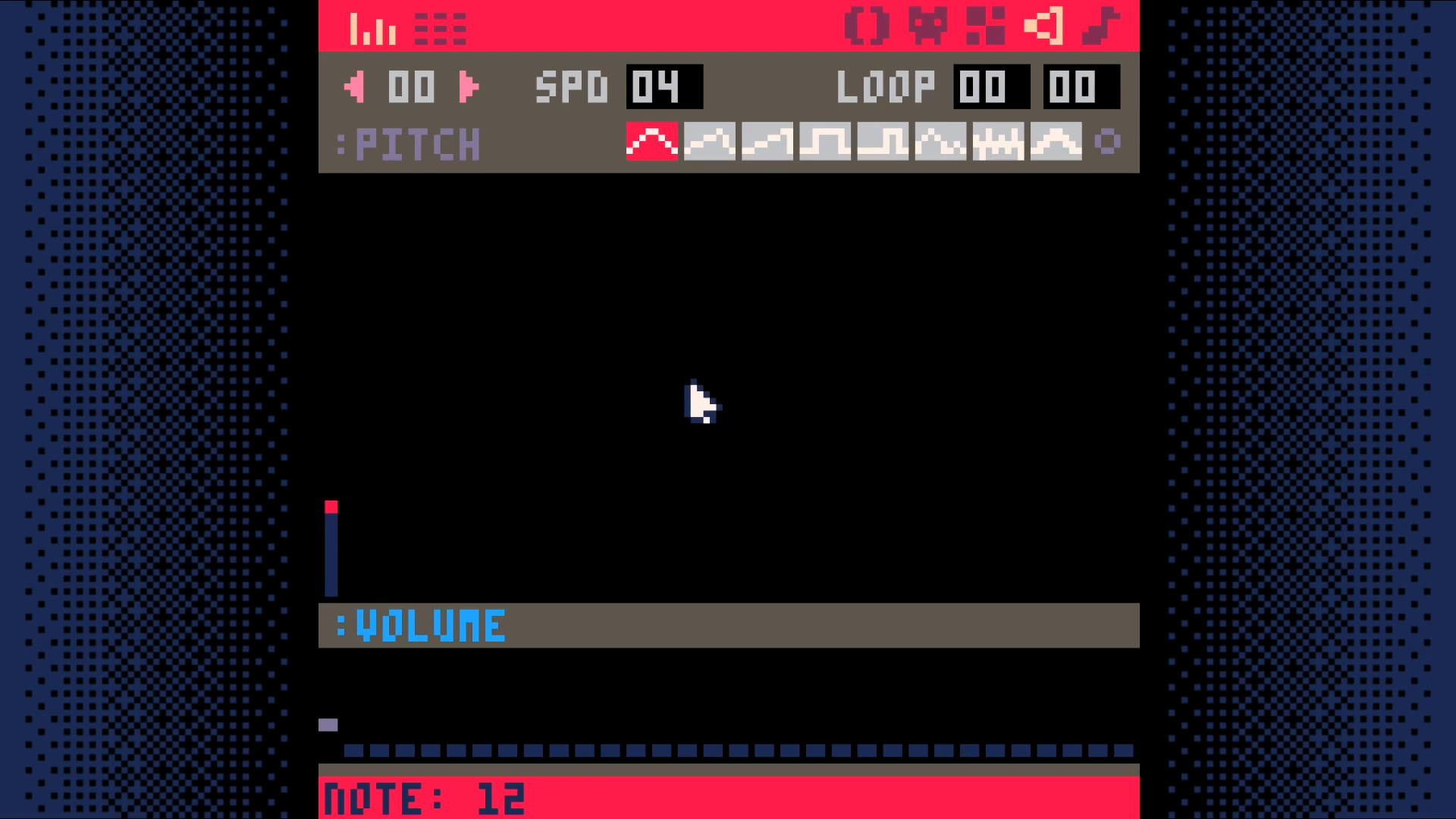
Create a sound effect for bumping into an obstacle.
Do this by going to the sound editor. Change the settings of the sounds to
match those you see in the screenshot. Press space to play your sound to test
it out.
Add two functions is_tile and can_move to the map code tab (tab 1).
Add a function for moving the player to the player code tab (tab 2).
Note: to get the arrow characters, use shift+L, shift+R, shift+U, shift+D.
Call this function from function update in the game loop tab (tab 0).
End Result
Save your changes with ctrl+s. Run them with ctrl+r. You should now be able to move your player around the screen, but once you go off of the screen, you are no longer able to see them. In the next section, we will make the camera follow the player so we can explore more of the map.
Download