Winning and Losing
Add a new sprite that the player has to move over to win the game.
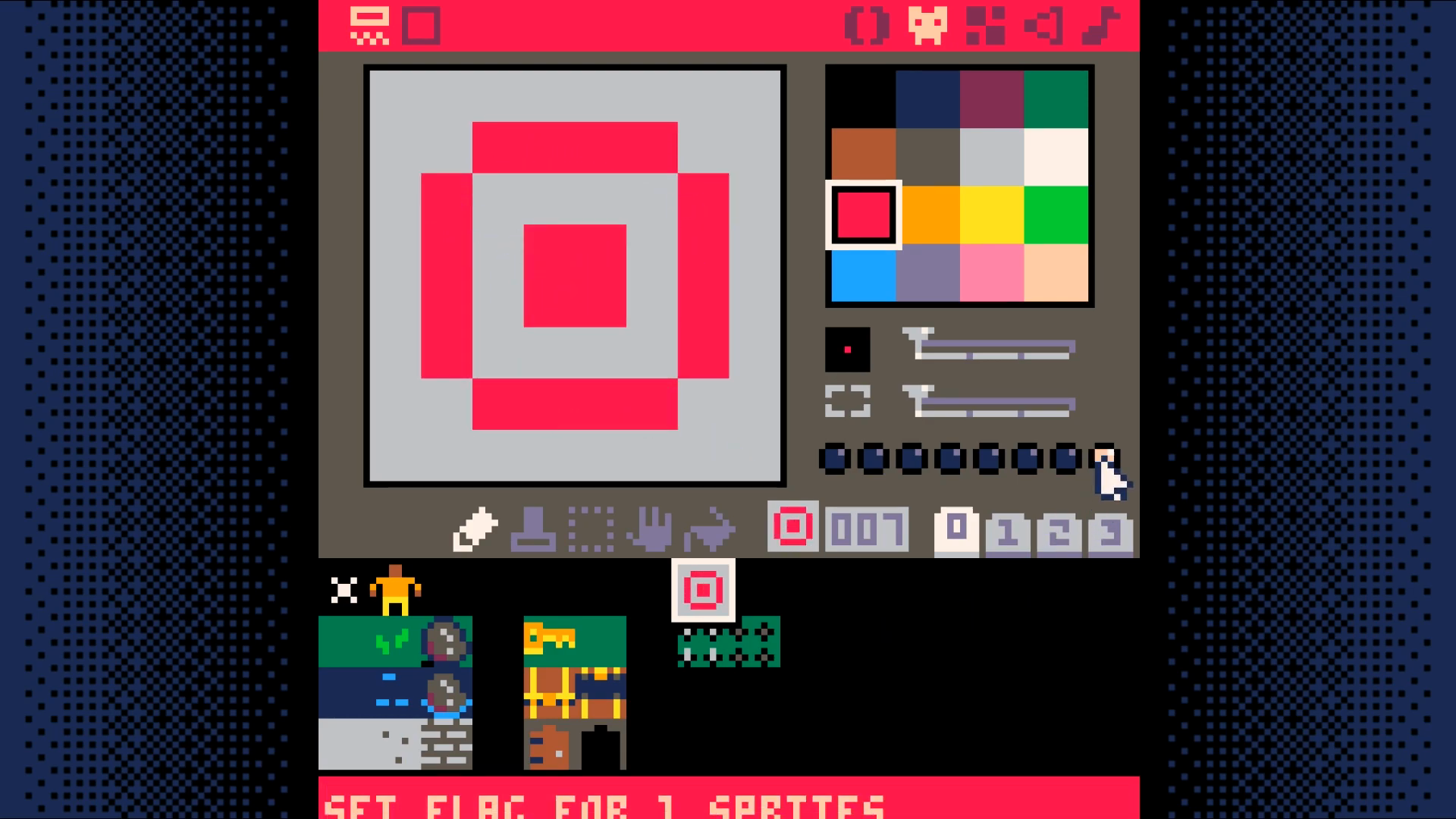
Set the last flag on this sprite. This is what the game will use to know the player has won the game.
Add game_win and game_over to _init in the game loop tab 0.
function _init()
map_setup()
make_player()
game_win=false
game_over=false
end
Add a new code tab to hold the win/lose code. This will be tab 5.
In this tab, add two new functions: check_win_lose, draw_win_lose
-- win/lose code
function check_win_lose()
if (is_tile(win,p.x,p.y)) then
game_win=true
game_over=true
elseif (is_tile(lose,p.x,p.y)) then
game_win=false
game_over=true
end
end
function draw_win_lose()
camera()
if (game_win) then
print("S you win! S",37,64,7)
else
print("game over!",38,64,7)
end
end
Change _update to only run if not game_over and call check_win_lose
function _update()
update_map()
move_player()
if (not game_over) then
update_map()
move_player()
check_win_lose()
end
end
Change _draw to only draw if not game_over else draw_win_lose
function _draw()
cls()
draw_map()
draw_player()
if (btn(X)) show_inventory()
if (not game_over) then
draw_map()
draw_player()
if (btn(X)) show_inventory()
else
draw_win_lose()
end
end
End Result
Save your changes with ctrl+S. Run them with ctrl+R. You should now be able to walk into spikes to lose and walk into the target to win. Next, we will add a way to easily reset the game.
Download